Connect ClickBid to the Tools You Love
Connect ClickBid to the Tools You Love
Choosing the right event fundraising platform is critical to saving time, raising more and engaging your valuable donors. A Trellis comparison to ClickBid.
While Trellis and ClickBid are both robust platforms for managing fundraisers, they offer vastly different experiences regarding donor trust and financial transparency.
Trellis utilizes a controversial ‘tipping’ model that defaults to asking supporters for an extra 15% at checkout. This aggressive tactic can be off-putting to donors, forcing organizations to risk their donors’ trust just to cover the platform’s credit card fees.
In contrast, ClickBid is an established and trusted choice for nonprofits, offering straightforward, flat fee pricing and dedicated support that provides a predictable budget for any event.
ClickBid started in 2002 as an in-person event fundraising platform. Using computer based bidding, charities were able to increase the frequency of bids, shorten lines at check-in and check-out and give donors an exciting and competitive experience. Over the years, ClickBid has expanded to provide online auctions, mobile bidding, ticket sales and live video.
The key to ClickBid is the simplicity of using a single tool for unlimited events throughout the year. Backing up your simplified experience is a dedicated support representative who follows your account all year. They will help you setup all your events and guide you through all the fundraising opportunities.
Trellis, a Canadian company founded in 2018, offers a full range of fundraising features like mobile bidding, ticketing, and digital raffles. They offer two complex license options, including a free option for smaller nonprofits and an annual subscription for medium to large nonprofits. For all customers, Trellis default settings request nonprofit donors for 15% tips. In exchange for asking for tips, Trellis will cover credit card fees for smaller transactions. Nonprofits that turn off the tips are required to pay credit card fees. Support from Trellis is similarly tiered, moving from basic email access to a dedicated person and live technical assistance only for those with the most expensive plans.
Trellis offers free tools for small nonprofits and an annual subscription of $1,499 for medium to large fundraisers. Meaning, it is free to the nonprofit IF small enough in size and settings are turned on to ask your donors for a tip. Nonprofits paying the annual subscription are also defaulted to ask for tips of 15%. Organizations that leave the tip setting on do not have to pay credit card fees, and Trellis will cover those; however, large transaction credit card fees are forced back to the nonprofit, depending on size. Nonprofits that turn off the default 15% tip are required to pay 3% in credit card fees and a per-transaction fee of $0.30. This type of pricing structure can be very off-putting for donors, and the aggressive default settings are designed to ensure the donor, rather than the platform or the nonprofit, foots the bill.
Annual License: $1,495 (unlimited events)
Credit Processing Fee: $1,575 (3.5%)
Per Transaction Fee: $0
Donor Requested Fees: $0
Total Costs: $3,070
Annual License: $1,499
Credit Processing Fee: $1,350 (3%)
Per Transaction Fee: $36+ ($0.30 per transaction)
Total Cost for Nonprofit = $1,499+
Donor Requested Tips = $6,750 (15%)
Total Costs: $8,249+
To help clarify the features available to ClickBid and Trellis, we have provided the following matrix.
Feature | ClickBid | Trellis |
Ticket Sales | Yes | Yes |
Mobile Bidding | Yes | Yes |
Fixed Pricing and Raffles | Yes | Yes |
Live Auctions | Yes | Yes |
Registration/Guest Management | Yes | Yes |
Event Promotional Page | Yes | Yes |
Real Time Event Leaderboards | Yes | Yes |
Customizable Messaging | Yes | Yes |
Embeddable Donation Forms | Yes | Yes |
Real-Time Video Streaming | Yes | Limited |
Event Night Support | Yes | Limited (Paid add on) |
Ongoing Customer Service | Yes | Limited (Paid add on) |
There are several key takeaways in the Trellis comparison to ClickBid. First, ClickBid’s pricing is ideal for the charity running multiple events and raising at or above $40,000 in a twelve-month period.
Platforms like Trellis that do not charge an annual license will cost much more over time due to repetitive costs like tips and performance fees charged on every transaction. However, if your charity is running a smaller, one-time event, a DIY platform like Trellis can be a great solution.

ClickBid has spent more than 20 years focusing on maximum fundraising for charities all over North America. Our recipe of simple software and dedicated support has helped us become a top level event fundraising provider.
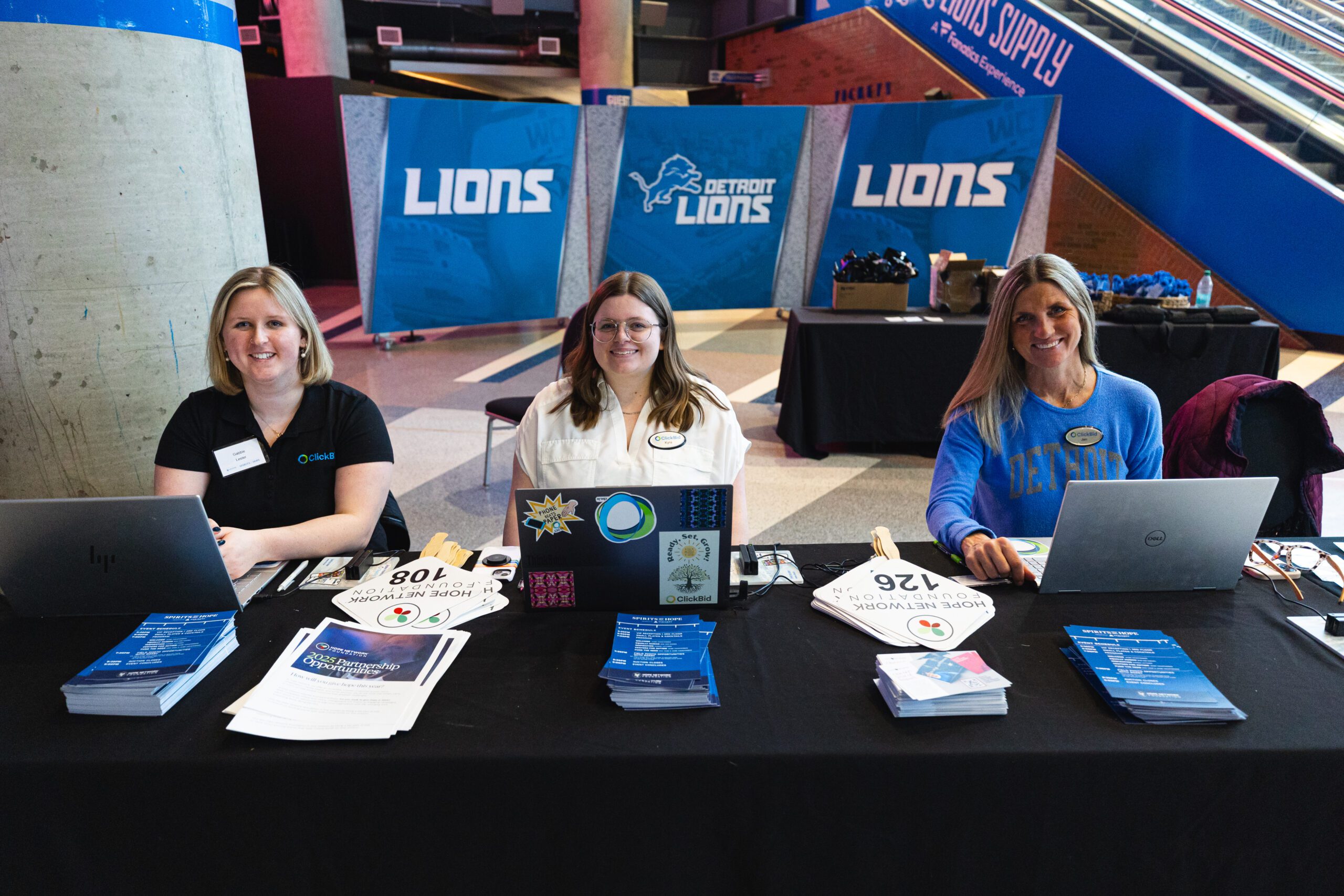
Our support team consists of seasoned, US based representatives who call ClickBid their home. Each talented team member attends events in-person to know what it feels like to be in your shoes. They personally walk you through your onboarding, answer all your questions along the way and manually review your events before they start. This isn’t extra! It’s the ClickBid Experience.
Our team is trained in helping charities migrate their event data from Givebutter to ClickBid. We will walk you through a customized demo and focus on the process of migration. Unlike switching CRMs, the process is surprisingly simple and takes only minutes.
Connect directly to your account manager who will support you for the entire year. Unlike a call center, our team is dedicated to your organization. Tell your story only once and then let your account manager help you stay engaged with your donors.
With your first event set up, you’re ready to engage and raise more money. Best of all, there’s no more $$ to spend on multiple events. The road ahead of you is wide open for maximizing your donor experiences and raising more funds.
We love our nonprofits and they have loved using a proven platform.
This information was taken from review sources in 2025.